


In This Blog,
Today’s doctors appointment system is much more than just for booking. This guide demonstrates why, and for your clinic:
- A hospital or doctor’s system is not just for booking.
- Most clinics treat the parts by themselves, missing out.
- This demonstrates the entire system, from booking to queue setup/rules.
- Although each piece solves a separate problem, they are most effective when used together.
- Understanding the system allows you to choose what to configure first.
- This is the first thing you should read before selecting any scheduling software.
What a Doctors Appointment System Actually Covers Today
Ask 10 clinic managers what a doctor appointment system does, and you hear 10 different responses: It’s a way to help patients get appointments. Yes, but that just accounts for roughly 20% of what a contemporary system covers. The other 80% is what most clinics are lacking, and is what this guide can help you with.
1. From Paper Books to Connected Infrastructure
The first was a switch from paper books to a computer calendar. The second was the addition of online reservations. The third, and what we consider to be the current generation, is a completely different creature: a connected layer over everything that governs how the patients of a practice flow through the system.
One layer to connect communication, through scheduling logic, to queue management, through to compliance, and finally through to the exchange of clinical data. Practices still on first/second gen thinking (booking software as a stand-alone product) are doing a small sliver of what the category can now enable.
2. The 6 Core Components Every Modern System Should Have
- Booking mechanism: online, telephone, and walk-in through one integrated system
- Queue management: enqueueing, maintenance, and real-time tracking of patient flow both through the pre-booked system as well as the walk-in system
- Communication with patients: automated reminders, appointment confirmations, status updates, etc.
- Digital Intake: pre-visit forms, consent capturing, and check-in before they even walk in the door
- Compliance and data protection: audit trails, consents, and interoperability
- Analytics and reporting: no-show profiles, passenger loading ratios, and rush-hour figures.
3. Why Clinics Running Partial Systems Still Experience Full Chaos
Most common setup: booking tool (for booking appointments), separate WhatsApp group (for reminders), paper token system (for walk-ins) and Excel sheet (for waitlists), all out of sync with each other. This results in four sinks and zero transparency in the entire patient flow. Each partial is not effective in avoiding chaos; it just pushes it around.
Scheduling and Queue Management: The Operational Core
Scheduling and Queueing are the most operationally important aspects of any doctor’s appointment system, and the most commonly addressed as two separate problems. They’re not.
1. Appointment Scheduling vs Queue Management: Why Both Matter
The appointment scheduler decides who and when. The queue layer controls what happens once they arrive. A clinic can have an optimal booking schedule and a mess in the waiting room if the queue layer does not exist. The OPD appointment management system that does both (booking logic + live queue balancing) is the real flow control.
2. Peak-Hour Load Distribution: What the Schedule Must Handle
Almost every massive hospital OPD is chaotic during peak hours because of a scheduling architecture issue. Bookings from 9 to 10 AM fill the waiting room by the time the first patient is seen. ‘Slot capping’, staggered arrivals, and reactive rebalancing when doctors are delayed are minimum ‘standard’ features for an OPD seeing >50 patients per day.
3. Walk-In and Booked Patient Flow in the Same System
The Indian OPD context introduces one additional dimension that most scheduling software built in the West was not designed to handle: a large percentage of patients are seen without an appointment, on demand. A doctors appointment system designed for this will have one stream of booked patients being seen during their appointments, and walk-ins sneak into the schedule as gaps emerge, with real-time wait time computation for each group and messaging.
 NOTE
NOTE
Patient Booking Experience: From First Click to Confirmed Slot
Booking experience is the first thing your patient experiences of your clinic. And it’s usually the broken link of the chain in most clinics. A doctor consultation booking system ensures patient flow is smooth, lightning fast, and 100% confirmed.
1. Online Booking, Self-Scheduling, and the Zero-Phone Experience
What right standards patients expect isn’t having a phone line while in business. It’s the flow of “Book something that works at 11 PM on your mobile phone and in less than 2 minutes” and possibly an instant confirmation. And self-scheduling, from selecting your provider to your slot to appointment type, is right now ever so quickly becoming standard across all major generations of consumers, not just Millennials.
2. The 5 Booking Scenarios Every System Must Handle
It is in these exception cases, those flows that don’t proceed exactly as expected, that the real power of any system is revealed. In fact, the first five use cases that any system struggles with are: a first-time booking for a patient outside of clinic hours, a rebooking for an existing patient (someone who has previously been booked, but whose appointment was cancelled), a walk-in during the busy hours, an updated booking during a transition to a new patient, and an auto recovery of a no-show. Any system that handles all five exception cases without any staff intervention at all is a true powerhouse; any system that handles two or three isn’t.
3. What Patients Actually Expect From a Booking Experience
Apart from speed and availability, patients want to be able to rely on booking confirmation, see how long they are waiting, and be able to change plans without calling. A patient appointment booking app that offers all three instant confirmation, real-time queue position, and self-service rescheduling will a) reduce no-shows, b) reduce complaint-calls, and c) increase the number of patients who show up ready to go.
Compliance, Standards, and What the System Must Protect
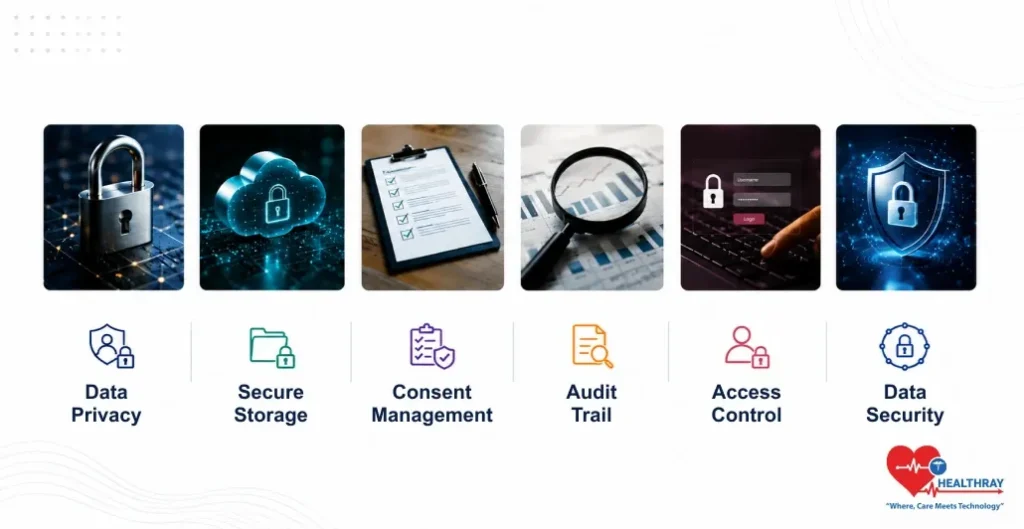
Compliance is the thing most clinics put at the bottom of their shelf until something happens. As with all regulations, a system for managing any patient data if you haven’t securely stored the data within the practice, is a risk. An omission that can be found by auditing, accreditation, or when asked a second time around.
1. Data Privacy, Consent, and DPDPA in Scheduling Software
Using the Indian (Digital Personal Data Protection Act 2023) as an example, any system you use to log a patient’s name, contact, and health details, the second you create that appointment, is a data processor with a few duties. It needs to have documented informed consent, it needs to keep dated records secure, and it needs to let patients see/delete their profiles. Appointment booking software that isn’t capable of doing that inbuilt is a compliance liability, no matter how good a job it actually does at making bookings.
2. Interoperability, How a Doctors Appointment System Fits Into the Wider Clinical Stack
Scheduling applications separated from the rest of the clinic’s clinical infrastructure create data silos. ABDM interoperability standards require the clinic’s healthcare applications to be able to perform standardised data exchange, so scheduling a patient would automatically trigger file builds, insurance look-ups, resource allocations, etc across the integrated applications. In the age of real clinic standards, a free-standing scheduling app is not a mere usability annoyance; it’s a compliance liability.
3. The Compliance Checklist Every Clinic Should Run Annually
Compliance is not an initialization, but a milestone. An audit must be undertaken annually in the five systems of each clinic: Patient Consent storing systems, Encryption and access, Completeness of Audit trail, ABDM systems interoperability, and inclusiveness of a variety of patients. A well-ranking audit system 18months ago would possibly reveal shortcomings now.
 PRO TIP
How to Choose, Implement, and Measure the Right System
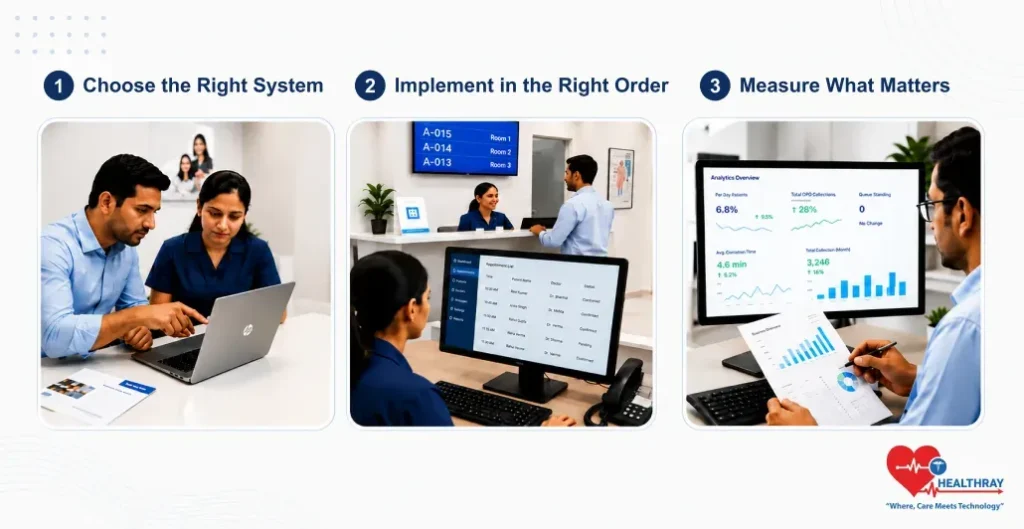
The appointment system is something that many clinics will choose once and never change until they close. Getting it right at the outset saves the destruction and expense of changing eighteen months later when the decision is forced upon you.
1. Matching the System to Your Clinic Type and Volume
No one-size-fits-all doctors appointment system. Single-physician practice needs simplicity, mobile-enabled patient appointment booking & auto-SMS reminders. Multi-speciality hospital OPD needs slot capping, multi-department management, walk-in integration & ABDM-compatible data transfer. Evaluate systems based on where your peak rush-hour patient flow will be, and your most complex scheduling case, not the average busy day.
2. Implementation Sequencing: What to Set Up First
Most “failed” implementations attempt a “big bang”. The key is timing: start by rolling out the booking layer, followed by very simple reminders at first; then bring in queue management once the scheduling process is really running; then bring in electronic intake and compliance. Bringing in compliance measures before the staff are using the booking process as the foundation, it seems to almost never work.
3. The Metrics That Tell You the System Is Working
- Less than 10% ‘no-show’ rate at 90 days from full deployment
- An overall reduction in front desk scheduling call volume of a minimum of 25% during the first quarter.
- Double booking within 60 days is about zero
- Less than 5 minutes to register anyone who was pre-registered
- Staff are able to provide the requested patient information within 72 hours
Conclusion
A doctors appointment system today is much more than a booking calendar. It is a single, connected system that controls how patients find you, book a visit, check in, move through your OPD, and how their data is kept safe. Clinics that see it this way work more smoothly than those that treat each part as a separate tool. This guide gives you the full picture and links to deeper guides on booking, queues, peak hours, and compliance, so you can focus first on what your clinic needs most right now.
