Summary
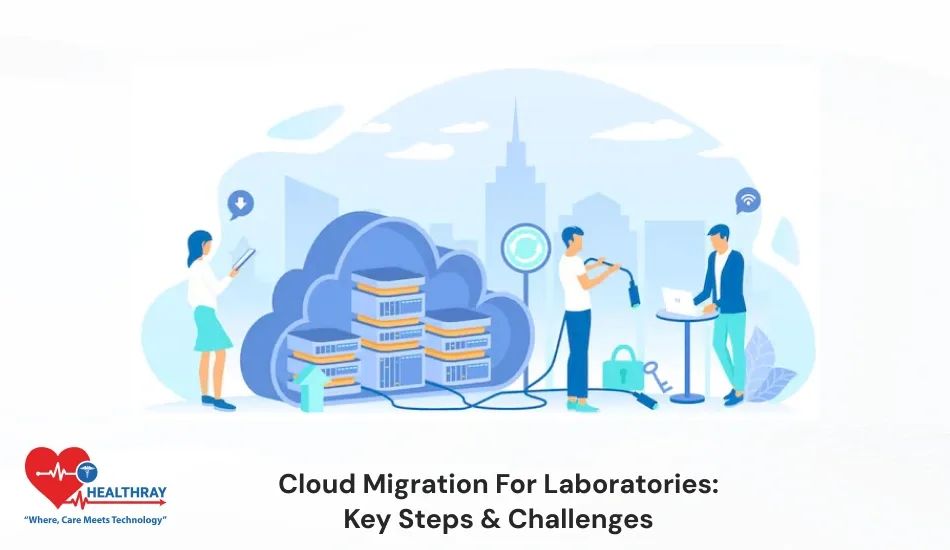
Cloud migration for labs is a smart step to shift their data and systems from local servers to the internet-based cloud. With cloud migration, staff can easily access patient test reports by sitting anywhere in the world. Cloud migration provides easy access, automatic backups, better collaboration, and lower infrastructure costs. Clinics can easily scale the features with a cloud system when the system workload increases. It minimizes the chances of downtime. In traditional software hospitals face challenges when system workload increases. However, with a cloud system, clinics can easily handle their complex operations and can expand the features wherever necessary. In this blog, I will discuss how to mitigate challenges when shifting your lab data entirely to cloud platforms. Keep reading!!!
Introduction
In the modern healthcare ecosystem, laboratories are not just a spot for conducting tests. Nowadays, labs have to handle a huge amount of data, such as patient reports, research results, sample records, instrument data, and compliance documents. In traditional systems, these data are stored on local computers and servers. However, as the amount of data grows, traditional systems are unable to manage such massive amounts of data. From here the concept of cloud migration has become important for labs.
In simple words, cloud migration means shifting the lab data, software and systems from local servers to internet-based cloud platforms. This gives freedom to the lab to access their data by sitting anywhere across the globe. Cloud Laboratory information management system provides immense benefits such as automatic data backup and minimizes the cost of server maintenance and provides software upgrades without putting in effort. Cloud migration is not as easy as it seems, though! When clinics shift their lab data into the cloud, they face many challenges. A successful cloud migration for labs requires adequate planning, robust security measures, and the right technology collaborator. When clinics become proficient in handling these challenges successfully, then cloud technology provides them faster and more efficient workflows.
Key Challenges Of Cloud Migration For Labs
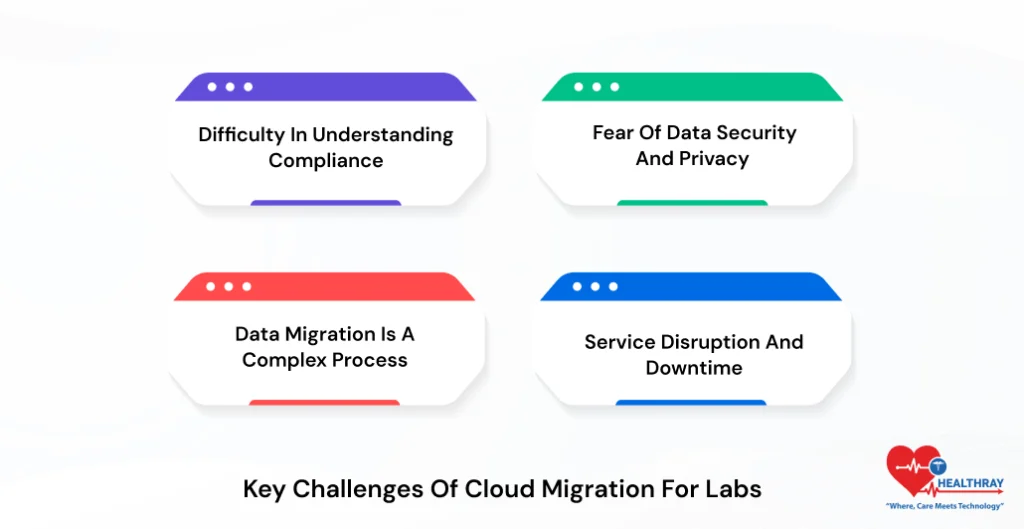
1. Difficulty in Understanding Compliance
As we know, following compliance with HIPAA, GLP, 21 CFR Part 11 and CLIA is an imperative factor to consider. Clinics can’t overlook it and consider it a secondary requirement. Further, when clinics shift their data on the cloud platform, they should take care of compliance and regulation at every step. Moreover, a clinic may face legal problems and heavy penalties if validation and documentation are not proper. That’s the reason compliance planning is crucial at the time of migration.
2. Fear of data security and privacy.
Labs frequently deal with sensitive information such as patient health data and research records. Further, as data move to the cloud, many clinics stress about data-breach threats. However, Custom LIMS development provides a high level of security, but clinics should continue to look into proper encryption, access control, and monitoring to keep the data safe.
3. Data migration is a complex process.
Lab system deals with various types of data, such as sample records, test results, workflows, and instrument data. When this information shifts to the cloud, then the process turns somewhat sophisticated. If data formats are not properly matched or workflows are not correctly configured, the risk of record mismatch and data loss rises. Therefore, it is crucial for clinics to perform proper data cleaning, validation, or testing before the migration process. This will help clinics keep the data safe and accurate.
4. Service Disruption and Downtime
The system gets temporarily down during the migration process. This situation slows down the lab process. Consequently, this delays the testing process, and lab members take ample time to write the patient report. If downtime becomes longer, the patient and the lab staff will face the repercussions. It is highly imperative for labs to plan the migration carefully. With proper backup and testing, clinics can minimize the risks of an outage.
Why Do Labs Migrate to the Cloud?
1. To manage huge lab data easily.
Every day labs generate thousands of samples, tests, and instrument-reading data. The amount of data grows to the point where conventional on-premise servers are unable to handle it. Cloud lab management software can easily resolve these challenges. Consequently, clinics can easily manage, organise and store their data without taking the hassle of limited storage.
2. Minimize IT Infrastructure Cost.
To run traditional on-premise lab systems, clinics need servers, storage devices, networking equipment, and dedicated IT staff. This process is too expensive to implement. It becomes practically impossible for startups and small businesses to cover such huge budgets in an on-premises lab system. Additionally, upgrading the hardware from time to time further raises the revenue. However, once a lab shifts to the cloud, they don’t need to worry about managing infrastructure. This helps labs in the following ways:
- By improving services
- Help clinics minimize budgets.
- Reduce the need for heavy hardware investment.
3. Remote Access and Better Collaboration
The biggest advantage of a cloud system is easy and secure access. In a traditional system, lab staff can’t check the patient record from multiple locations. They can’t access the system after office hours. However, cloud migration services provides them a platform to log in from anywhere and access the system data. They just need a good internet connection to work from anywhere. They don’t need a physical presence in the clinics. Further, all users can easily access the patient records and test reports in real time. They can instantly view the update. This improves teamwork and helps doctors make faster and better decisions.
AI Integration and Smart Diagnostics
Modern cloud platforms can easily integrate with AI tools. AI in LIMS Software provide strong support to laboratories in data evaluation and diagnostics operations. In a traditional system, it is highly tough for clinics to manually analyze a huge volume of data.
They spent hours consolidating different files and preparing a report in excel sheet. They can’t predict the current market conditions and best strategies to improve future needs.
Further, AI algorithms can quickly identify hidden patterns and trends. Thus, it helps labs in the following ways:
- Automated analysis reduces human errors.
- Lab gets powerful insights to make futuristic decisions.
- Doctors get accurate results.
- Better patient care.
 PRO TIP
Best Strategies to Mitigate Challenges Of Cloud Migration For Labs
1. Start from Compliance-First Planning
Before shifting the on-premise system to a cloud platform, labs should first clearly understand the regulatory rules and standards. Further, Healthcare and diagnostic labs need to follow strict rules such as HIPAA, ISO 17025, or similar compliance guidelines. Clinics should consider these regulations while doing migration planning. Lab should make sure that cloud platforms support data handling, reporting, and documentation requirements. Moreover, proper planning mitigates legal risks at the earliest stage and streamlines the future auditing process.
2. Choose clear migration strategy
Choosing the right strategy is a crucial aspect of cloud migration. Further, a clear strategy makes the entire process safe and smooth. In a parallel approach, both old and new systems of labs run simultaneously for a certain duration. If any new issue is encountered in the new system, the system still continues to work. In incremental migration, modules are shifted to the cloud step by step. For example, sample collection and reporting modules will shift first and other modules will be kept on hold for the later part. This approach reduces risks and staff feel comfortable to adopt it.
3. Carefully execute Data migration
During migration, data is extracted from ETL tools (Extract, Transform, Load). But before that, data cleaning is highly crucial to remove duplicate and incorrect records. Clinics should transform the data format in accordance with the cloud system. Instead of transferring the data all at the time, the best approach clinics should use is incremental loading. Consequently, it prevents system loading and helps clinics to accomplish migration in a stable and planned way.
4. Data Validation and Testing
After completing the data migration, it’s highly crucial for clinics to check its accuracy and integrity. Checksums are used in laboratories to evaluate data change and corruption during the transfer process. The system is safely evaluated through testing in pilot transfers or shadow environments. Labs should gauge the system as per business rules and reporting standards. Consequently, this helps clinics ensure sample data, reports and workflows are imported successfully into the cloud system.
Note: Migration is not just a technology upgrade; it has become a long-term ROI driver.
Minimizing Downtime and Workflow Disruptions
Clinics should adopt hybrid setups and phased migration to avoid disruption during the testing operations. First clinics should migrate noncritical modules such as reporting to the cloud system and check their performance.
And gradually, they should migrate other essential features. Consequently, blue-green deployments and load testing help clinics easily achieve zero-downtime cutover.
Conclusion
Cloud migration for labs brings major transformational operations. Cloud systems automate and streamline the work flows. With proper planning and optimized resources, labs can achieve significant cost savings. For successful migration, it is essential for clinics to prioritize compliance at the beginning and work with experienced vendors. Platforms like Healthray offer HL7 integrations, automated migration support, and reliable SaaS solutions and make the lab transition effortless.