
Summary
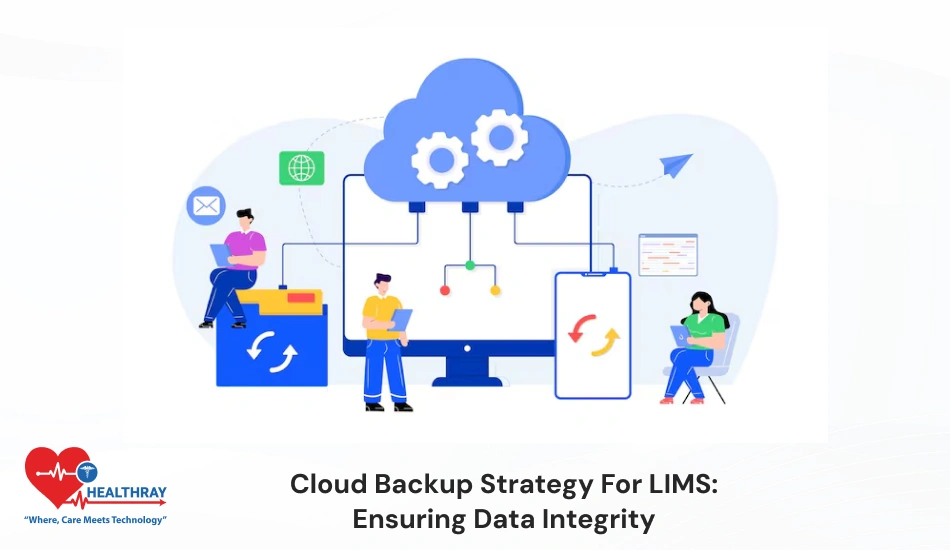
Cloud backup is highly essential for clinics, as it keeps the data secure. Clinics can easily recover data if the system fails or is vulnerable to cyberattacks. Lab should perform daily automated backups and follow the 3-2-1 rule to keep the data secure. Also, they should follow encryption or access control techniques to allow only authorized users to access the data. Regular testing help clinics ensure backup is working as expected. In this blog I will discuss some interesting backup strategies that clinics should consider in their lab practices. Besides that, I will discuss how cloud backup strategies minimize downtime and support clinics to run their lab operations smoothly. Keep reading!!!
Introduction
LIMS produces enormous amounts of vital data in modern labs. Cyberattacks are more likely as a result. It is essential for clinics to protect the data. Data loss will have a detrimental effect on patient care and lab operations. The main benefit of a cloud laboratory information management system is that data is stored offsite. Data is protected even during hardware failure, disaster, and ransomware attacks. Beyond that, clinics can access data from multiple locations. This is useful, especially for multi-branch labs.
Manual backups are risky; using automated backups is a best practice for clinics nowadays. Just relying on backups is not sufficient. It is crucial for clinics to perform periodic restore testing to ensure data can be recovered easily during emergency cases. Cloud backup strategies enable lab clinics to easily comply with ALCOA+ principles and healthcare standards.
Clinics feel less stressed when data is stored safely, and they can focus on innovation rather than lab recovery strategies. Fast recovery and minimal downtime make the lab operation smooth and accelerate lab growth.
Hidden Risks in Cloud Backups for LIMS
1. Data Corruption Risk
In cloud backup, misconfiguration, wrong sync settings and publicly exposed storage overwrite and corrupt the LIMS data. Further, this problem is highly dangerous, as corruption operates in the background silently and immediate detection is practically impossible. This creates uncertainties in patient reports, test results and historical data that negatively impacts diagnosis and treatment decisions. That’s why clinics should pay proper attention to validation and monitoring.
2. Ransomware Threats
In ransomware attacks, hackers mostly target backups. This makes the recovery impossible. Further, if backup gets encrypted or deleted, the lab has no restore options. Labs are coerced to either pay the ransom or deal with the complete loss of their data. Therefore, it is essential for lab clinics to maintain secure and independent backups (air-gapped).
3. Service Outage & Data Loss
Due to Cloud service outage and cross-region replication failure, backups become temporarily unavailable. During this time, if data get lost, labs don’t have a reliable restore option. Further, the lab needs to reconstruct the manual data that are time-consuming and usually equipped with high error rates. This slows down the operations and impacts the credibility of the lab.
4. Audit & Retention Problems
If clinics fail to maintain proper audit logs, it becomes difficult for labs to prove who has accessed the data. This creates problems in compliance audits. Furthermore, incorrect retention policies cause data to be deleted more quickly and archived for an unnecessary long period of time.
What are the Simple Mitigation Steps that Clinics Should Follow?
To reduce this risk, clinics should follow some simple steps. Let’s understand more about it:
- Make the backup process immutable (WORM) so that no one can make any modification.
- Enable Multi-Factor Authentication (MFA) for extra security.
- Regularly conduct restore testing so that backups remain in working condition.
- Use logical air-gapped backups to keep the system secure from ransomware.
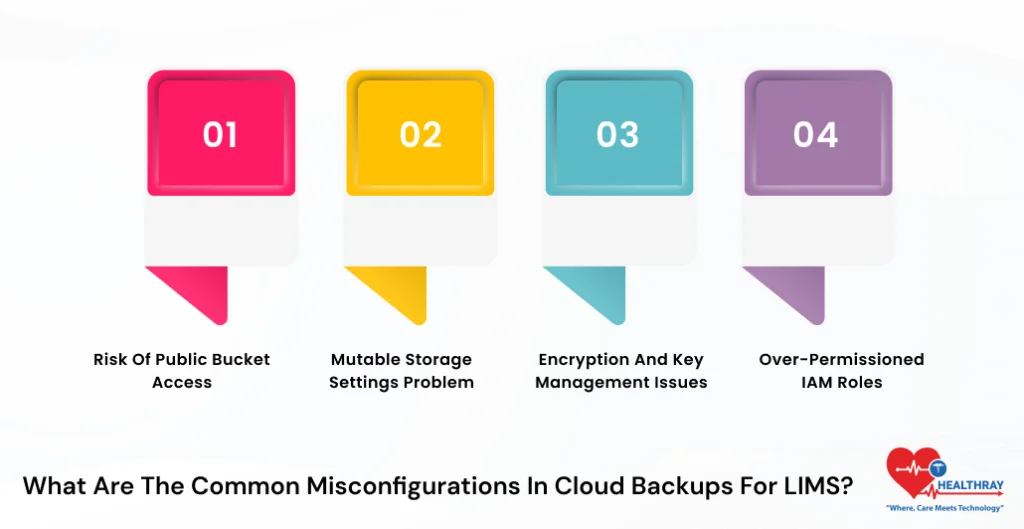
What are the Common Misconfigurations in Cloud Backups for LIMS?
1. Risk of Public Bucket Access
If your cloud gets set on a public bucket, or “authenticated users,” consequently, any unauthorized user can access the data. Further, hackers can delete, overwrite or inject malware in the system; this is highly dangerous in LIMS backups, as it corrupts the patient records and compromises the data integrity.
2. Mutable Storage Settings Problem
If clinics forget to enable immutability (WORM and Object Lock), then backup files can easily be deleted or modified. Sometimes accidental overwrites happen at the time of synchronization that silently corrupt the incremental backups. Further, clinics get incomplete or invalid data at the recovery times. Consequently, this negatively interferes with the lab practices.
3. Encryption and Key Management Issues
If clinic data is not properly encoded or encryption keys are not secure, this raises the negative consequences of data tampering. Further, hackers can easily intercept the data and make necessary alterations. during the times of transit. Weak key management increases the possibilities of unauthorized access. This enhances the likelihood of data corruption and illegal usage.
4. Over-Permissioned IAM Roles
If clinics provide unnecessary permissions in IAM roles. Consequently, insider threats, through hacked accounts, can easily modify the backups. Further, this version is the main reason for deletion and overwrites and filesystem errors. As time goes on, systems change direction, which ultimately undermines the security. Also, read our blog on the LIMS upgrade strategy to get a precise idea about it.
Simple Fixes & Best Practices To Avoid the Configuration Challenges
The following practices clinics should follow to avoid the configuration challenges:
- Use automated config scans.
- Restrict bucket access.
- Enable versioning and MFA.
- Perform regular integrity testing or restore drills
- Enable immutability to ensure the integrity of the backup.
Best Practices for Automating LIMS Backups in the Cloud
1. Frequent Backup Scheduling
LIMS data is frequently revised and updated in the system. Therefore, regular backups are highly crucial for clinics. Clinics should set daily or real-time incremental backups with cloud tools. Further, this captures the entire change without holding on to the risks of data loss.
2. LIMS Integration for Full Backup
Only basic backup is not sufficient. Clinics should take backups of both the database and files. Additionally, clinics should automate the reports and test file export process to enable complete recovery.
3. Automated Integrity Checks
After implementing backups, it is highly crucial for clinics to verify them as well. Further, clinics should use checksums and automated scripts to verify data integrity. Clinics should schedule regular restore testing to ensure backup is working perfectly in emergency situations.
 NOTE
NOTE
Integrating LIMS Backups with Disaster Recovery Workflows
Integrating LIMS backups with Disaster Recovery (DR) workflows is all about connecting data backup and system recovery into an automated process. Further, this allows quick recovery in case of system failures and disasters. This approach minimizes downtime and assists clinics in maintaining regulatory compliance. Let’s check some best practices to implement it:
1. Automated Backup Triggers
Clinics should configure LIMS for hospitals software in such a way that it automatically triggers backups, such as database updates, on scheduled intervals. Further, clinics should store backups on immutable storage.
2. Failover Workflow Design
Failover here means the system automatically takes the backup when the primary system fails. Further, LIMS helps clinics design automated recovery. LIMS automatically detects health checks and immediately activates the DR environment.
3. SOPs & Compliance Management
Clinics should clearly define Standard Operating Procedures (SOPs) in the LIMS system. This helps clinics maintain consistency in the recovery process. Additionally, clinics should maintain real-time reporting to gather evidence at the time of auditing. Maintaining compliance is highly imperative for healthcare labs.
 PRO TIP
Test LIMS Disaster Recovery RTO (Recovery Time Objective) Under 4 hours in the Cloud
1. DR Testing Goal
The LIMS disaster recovery testing’s main objective is to ensure the system fully gets restored in 4 hours. Further, this process is not just about data recovery. Its main motive is to make the entire lab workflow flawless.
2. Structured DR Test Framework
LIMS follows a proper structured framework that automatically runs quarterly DR drills. Further, LIMS uses AWS Backup and Azure Site Recovery tools to manage backups and failover. Through chaos testing, clinics can simulate real-life scenarios like ransomware or region failure to check the system’s real performance.
3. Automated Backup & Fast Restore
Clinics should use immutable storage (such as S3 Object Lock) that keeps the backups tamper-resistant. Further, the system automatically spins up in the secondary region during a disaster and restores the database and files in just 50-60 minutes. This approach utilizes PostgreSQL for structured data recovery.
4. RTO Phases Breakdown (Under 4 Hours)
To achieve a 4-hour RTO, it is essential to measure the time of every step:
- Detection (<15 min),
- Backup restore (~1 hour).
- System start (~1 hour).
- Validation (~1 hour).
Conclusion
Cloud backup is critical in LIMS custom development software setup, as lab data is extremely delicate. Proper backup strategy keeps the lab operation safe. This helps clinics to continue their practice smoothly without any external interruption. If your backup is not properly secure or does not follow policies, this enhances the chances of penalty risk in the future. Platforms like Healthray provide advanced features such as ransomware protection, zero-trust access and automated DR testing. Healthray ensures 99.9% uptime and maintains data integrity in the system.