
Quick Summary
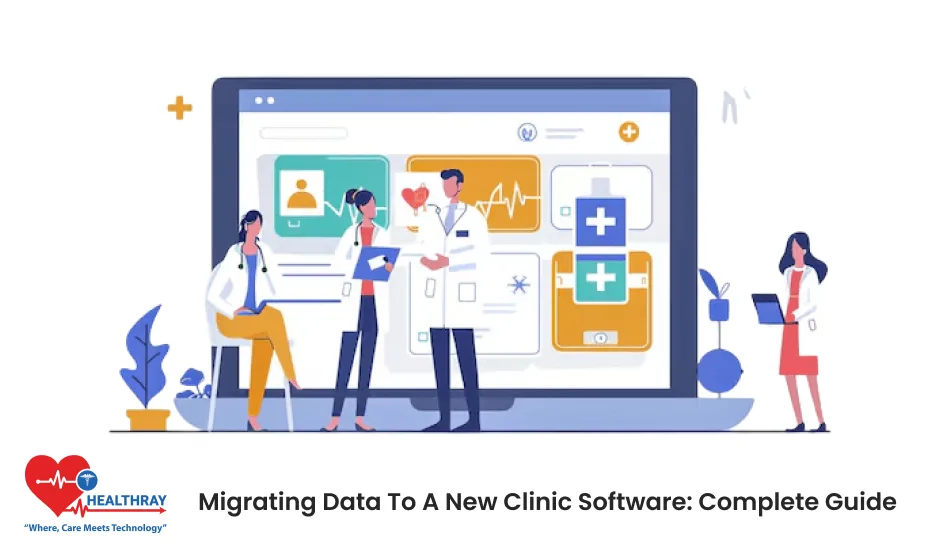
Follow this guide to move your data seamlessly. This will give you easy steps to migrate your data. You can start with clear planning, clean records, careful testing, and give proper training to your staff. After completing all of these major stages, you can have a smooth data migration from your old system to the new one.
Introduction
Your clinic holds so much data. It includes patient contact details, their medical history, and even the account details. No one wants to lose this valuable information by any chance. This fear stops many clinics from upgrading the software.
This is where data migration for clinics enters the picture. This means moving your data from one system to another. But it is not as easy as it sounds. You need to follow key steps so that nothing gets misplaced.
With this blog, you can now simply migrate to new clinic management software without losing any information. With this guide, you will plan the data migration in the right way and avoid common mistakes.
What Is Data Migration in Healthcare Software?
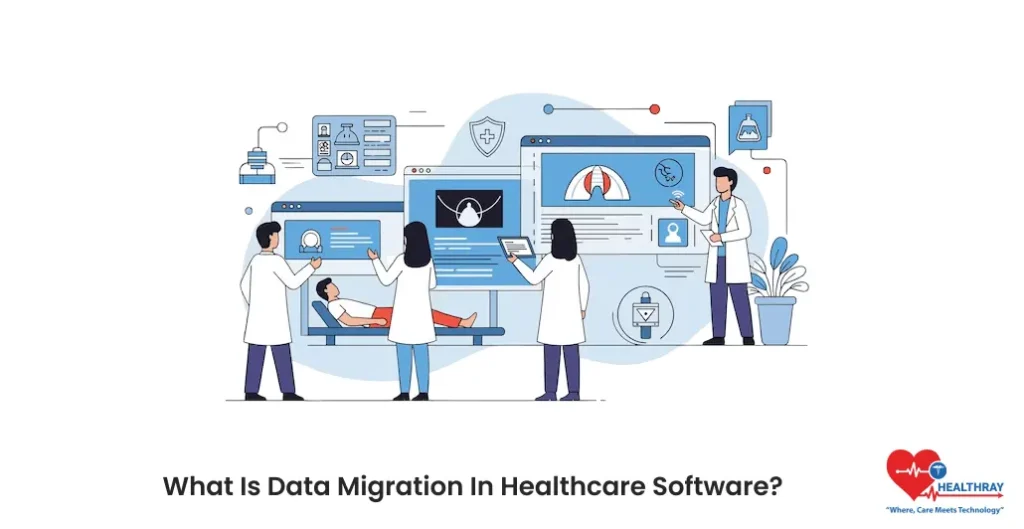
Data migration refers to the process of moving your data from one system to another. When it comes to healthcare, this includes:
- Patients’ records
- Appointment schedules
- Billing information
- Medical histories
- Prescriptions
- Lab results
- Insurance details
- Staff information
Each of these pieces should be transferred carefully. Therefore, data migration in clinics should prioritize safety above all else. Clinics cannot afford errors. Even a single missing allergy can create a medical disaster.
That is why shifting data in clinics needs proper planning, structure, and testing.
 NOTE
NOTE
Why Clinics Need to Migrate Data to New Software
No clinic is static. It grows and along with that patient need change. Even the technology is evolving every day. You cannot keep using the millennial era software in the Gen Z era. Your software should evolve with you.
Here are the key reasons why clinics chose data migration for clinics:
- Fix data errors
- Improve patient experience
- Support clinic growth
- Meet compliance rules
- Unlock better reporting
Modern systems also support smart tools like dashboards and a clinic software ROI calculator to measure performance clearly.
Learn more: How Clinic Chains Scale Operations Seamlessly
Pre-Migration Planning
You cannot just jump into migrating the data without giving proper thought. For that, you need preparation, which will save you from trouble later. Don’t rush this process; take your time and do precise planning.
A. Assessment of Current Systems
You have to start with what you currently have. This may sound obvious, but many people skip this step and move ahead. They believe they know everything about their system, but that is not the case. You need to ask questions:
- What data do you store?
- Where do you store it?
- What format does it use?
You have to list all the data. Along with that, check the quality of your data and measure your data volume.
B. Define Clear Migration Goals
You need to be clear about why you want to migrate your data to another system. If you are specific about your goals, then it guides your decisions during data migration for clinics. It also helps you to define what your success looks like:
- All active patient records move safely
- No data gets lost
- Staff feel confident using the new software
- Patients notice no disruption
You need to share your objectives with your team, as they will also know what they are working toward.
C. Stakeholder Involvement
Migration of data affects many people in your clinic. So, you should include them as well. If you leave them, it will create resistance later. So get input from everyone who will use them, such as:
- Doctors and nurses
- Front desk staff
- Billing team
- IT staff
Try to hold regular meeting as they can voice out issues if they have any.
D. Compliance and Privacy Considerations
Healthcare data is not like other data. It is protected by privacy laws. So, you need to be more careful as its safety is non-negotiable. Make sure your migration plan follows all regulations:
- Follow HIPAA rules for patient privacy
- Meet state healthcare laws
- Match insurance data standards
- Store medical records for the required time
Your new system should be compliant with these. Check that it has proper security features, encryption, and audit trails.
 PRO TIP
Step-by-Step Migration Process
Now, let’s start with the actual process of data migration in the clinics. Just follow these simple steps carefully:
Step 1: Plan & Scope
If you want to have a smooth migration, then start with a clear plan. This will help you to decide what data needs and when it should be moved. Along with that, you will also be able to decide who will handle each task. This step gives you a particular direction and makes things clear.
Without any scope, your team will rush whichl leads to errors. Planning keeps everything controlled, even if you have tight deadlines.
These stages set boundaries. So, data migration for clinics works best when everyone understands and follows the same path.
What to remember:
- Define data types to move
- Set timelines
- Assign responsibilities
- Decide migration phases
Step 2: Audit & Clean Legacy Data
Your old system has probably piled up years of junk. You need to clear this before shifting your data. These old particulars conceal several errors. Along with that, there would be duplicate records.
In this step, you need to find all of these and fix them before moving ahead. Sorting this data saves your time later. It also prevents confusion for doctors and staff after go-live. No one wants to search through messy records.
You can’t even think about skipping this step. Because the cleaner your data is, the smoother the transition will be.
What to remember:
- Remove duplicate entries
- Fix incorrect details
- Delete outdated records
- Standardize formats
Step 3: Define Data Mapping
Systems store data in different places. One might have names in one field. And another system may split them into two. Data mapping connects these differences.
This step connects your old data into new ones. It informs your new system where each piece of data belongs. This makes sure that your patient details, date, and notes land in the right place.
Good mapping keeps the data migration for clinics accurate. With this, it is predictable when even the system differs a lot.
What to remember:
- Match old fields to new ones
- Confirm data formats
- Handle code differences
- Document mapping rules
Step 4: Backup and Compliance Check
As it is said, prevention is better than cure. You have to be in safe side and keep a backup of your whole data.
This step protect clinic from mistakes, power failures, or unexpected errors. So, if anything goes wrong, then you can go back to the initial phase.
This step also checks privacy rules. Security settings must stay strong during the entire move. Eventually, it protects data migration for clinics from risk while respecting patient privacy laws.
What to remember:
- Create full data backups
- Store backups securely
- Review privacy rules
- Limit data access
Step 5: Test Migration
You should not move everything at once. Always start small, migrate sample records, and review them carefully.
With testing, you can see the real problems in the early stage. This gives your team ample time to fix issues. Along with that, you can check the accuracy and speed of migration.
Testing keeps the data migration for clinics a risk-free and safe process.
What to remember:
- Migrate sample records
- Review patient history
- Check reports and billing
- Fix issues early
Step 6: Execute Full Migration
Now this is the key step. You have to start migrating your data from this phase. Move the data that is approved.
You need to follow the proper plan and closely monitor the whole process. Make sure to inform your staff about this and keep the support team ready during the move.
Along with that, try to choose the quite time for clinics when completing the migration. This will help you to have the least disruption.
What to remember:
- Follow the migration schedule
- Monitor system activity
- Track errors
- Communicate updates
Step 7: Validation and Reconciliation
Just transferring does not complete the whole process. Your teams must verify the results and compare old records with the new ones.
When your team validates the data, it confirms accuracy. This step builds confidence in the new system.
This step confirms data accuracy and aligns with the features of Clinical Management Systems that clinics expect to use daily.
What to remember:
- Compare record counts
- Verify key fields
- Review reports
- Fix mismatches
Step 8: Train Staff and Go-Live
Now your whole data is ready, but you need to keep your team ready as well. Staff training matters the most.
Your team needs strong confidence to use the new system without fear. So, train and guide them for the change. You can try with short sessions and give real examples.
With training, it will reduce confusion and help your team to adapt quickly. A smooth go-live makes patients feel no change while clinics gain speed and clarity.
What to remember:
- Train staff early
- Use simple guides
- Offer hands-on sessions
- Support teams after launch
When to Consider Outsourcing the Migration
Sometimes, doing data migration for clinics yourself is not possible. You need to think about hiring experts if:
- You lack technical skills
- Your data is complex
- You have a tight deadline
- There is too much risk
- Your staff is overwhelmed
Outsourcing reduces your risk when things get complicated. It lets your staff focus on patient care instead of spreadsheets.
Conclusion
Data is a treasure for any healthcare organization. So, when you think of shifting to another system, it might feel scary. But when you plan well, clean your data, and test early, then transition becomes seamless. Data migration for clinics works best when clinics stay organized and move step by step.
You should keep the patient care as your centre of attention for every decision. So, by following the right steps, you will protect your patients’ trust and move forward with confidence and clarity.
If your clinic is planning for a smooth transition of data, then you can check the Healthray platform. It focuses on smooth workflows that support safe data movement without any disturbance in daily operations.